English






Digital Single Page
Product Effect
PRODUCT
Product Specification
CHAN PIN GUI GE
Product Material
PRODUCT MATERIAL
Product Process
PRODUCT PROCESS

Precautions
PRECAUTIONS
I. Precautions for Coding Orders:
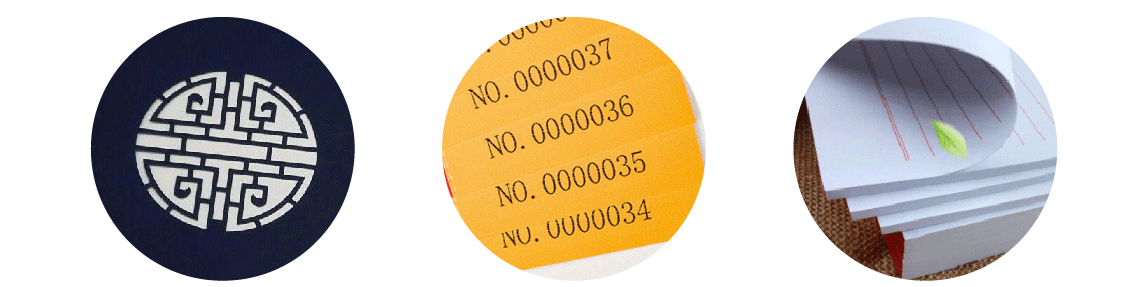
Digital coding is printed after coding is done, so the number of digits and size of the code are not limited, but the number of digits of the first code and the last code must be consistent. For example, if the first code is 0001 with four digits and 500 finished products, the last code can only be 0500 also with four digits. Digital coding cannot be done on both sides, and it is cut after printing, which can only ensure the quantity, not the complete sequential order of packaging.
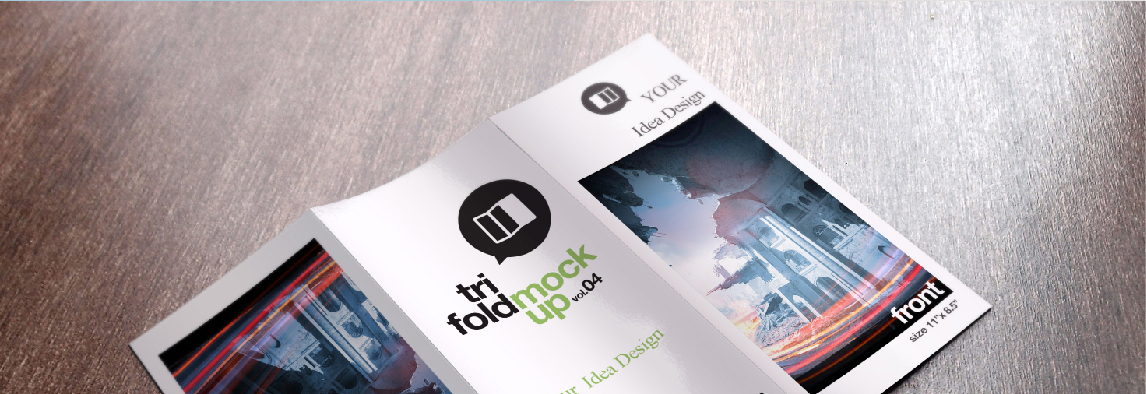
- Folding Card - Invitation Letter Precautions: When designing the cover after folding, it needs to be rotated 180 degrees, as shown in the following figure:


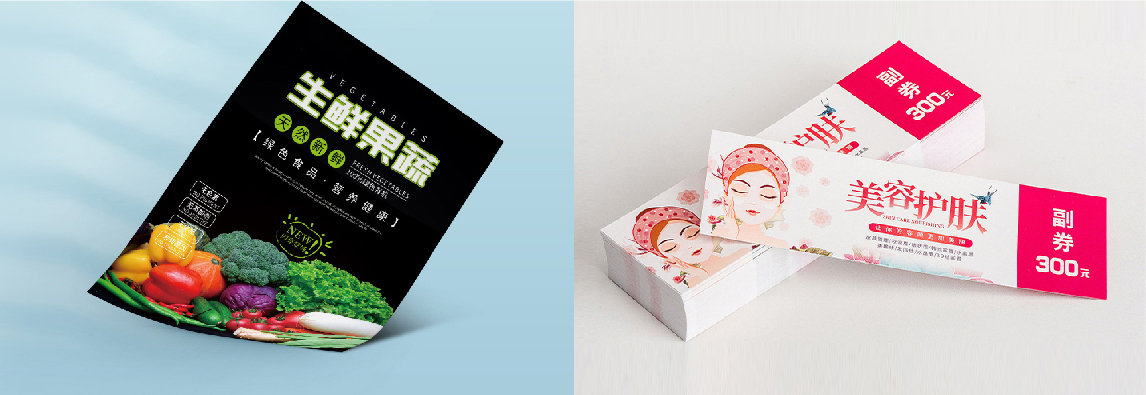
- Coupon Precautions: The positions of the front and back sub-coupons should be designed in a symmetrical way.


When designing the coupon, the sub-coupon position is on the right side of the front and on the left side of the back, with a symmetrical effect, and the printed sub-coupon is just a positive and negative comparison.
This design plan is wrong. The sub-coupons on the front and back are all designed on the right side, with a sequential effect, and the printed ones are just in opposite directions.


The file direction is consistent with the finished product direction and no rotation is needed.
Rotate the front 90 degrees and the back -90 degrees.
Effect of rotating front and back 90 degrees simultaneously.